Introduction
Sound is as crucial as visuals for a movie theater experience at home. While projectors provide stunning visuals, integrating a soundbar can significantly elevate the audio quality. Knowing how to connect your soundbar to a projector is essential in achieving the best home entertainment setup possible. This guide walks you through the process, ensuring you enjoy a sonic experience that matches your visual setup.
Understanding Your Equipment
Before setting up, familiarize yourself with the connection options your devices offer.
Types of Connections Available
You can connect a soundbar to a projector using HDMI, optical audio, or Bluetooth. Each method has advantages, dependent on equipment compatibility and user preference:
- HDMI: Provides high-quality audio and video transfer. If devices support HDMI ARC (Audio Return Channel), one cable handles audio and video.
- Optical Audio: Utilizes a digital optical cable for sound. While providing excellent audio quality, it doesn’t transmit video.
- Bluetooth: Allows for wireless connectivity, eliminating the need for cables, though it may introduce slight audio delays.
Identifying Ports on Your Projector and Soundbar
Inspect the available ports on both the soundbar and projector. Look for compatible outputs and inputs, such as HDMI ARC, for streamlined connections.
Step-by-Step Guide to Connecting Your Soundbar
Armed with the right knowledge, you’re ready to connect your devices.
Connecting with an HDMI Cable
- Find the HDMI ARC port on both devices.
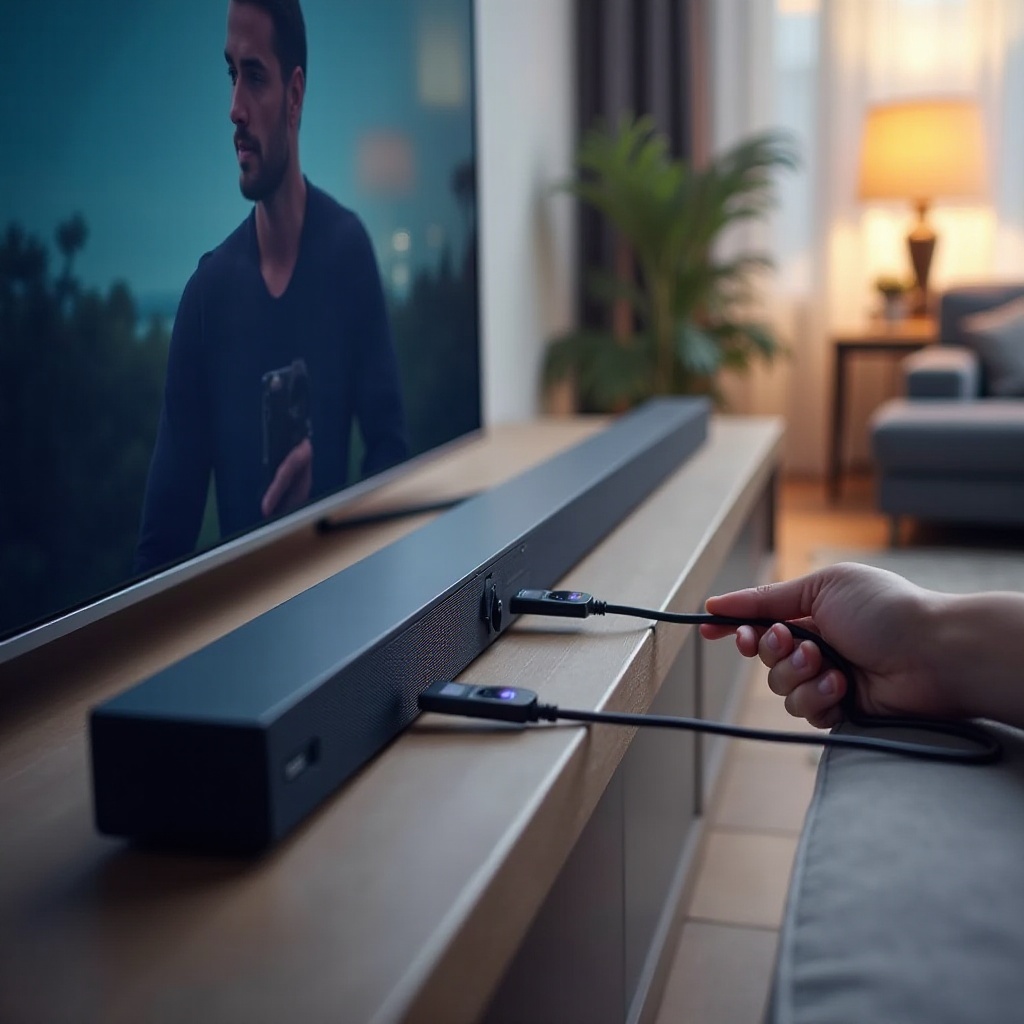
- Connect the HDMI cable to the projector’s HDMI ARC port and the soundbar.
- Power on the devices, selecting HDMI source on the soundbar.
- Adjust projector settings to route audio via HDMI as needed.
Utilizing Optical Audio for Connection
- Attach the optical cable between the projector and soundbar.
- Turn on the devices and set ‘optical’ as the soundbar’s audio source.
- Navigate projector settings to confirm sound is output through the optical port.
Wireless Connection via Bluetooth
- Enable Bluetooth on both devices.
- Keep them close to facilitate pairing.
- Select the soundbar from the projector’s nearby Bluetooth devices.
- Adjust audio settings to route sound through Bluetooth after connection.
Troubleshooting Common Connection Issues
Even with a solid setup, issues may arise. Here’s how to troubleshoot effectively.
Resolving No Sound Output Issues
- Ensure cables are properly connected.
- Confirm the audio output on the projector is set to the correct connection.
Fixing Audio Sync Problems
- Adjust audio delay settings on your projector or soundbar.
- Reduce the distance between Bluetooth devices to improve synchronization.
Overcoming Compatibility Challenges
- Use converters, like HDMI to optical, for divergent ports.
- Keep projector and soundbar firmware updated for enhanced compatibility.
Enhancing Your Audio Setup for the Best Experience
To achieve the best audio-visual harmony, optimize your setup post-connection.
Adjusting Soundbar Settings
Tweak equalizer settings to suit different content types. Experiment with sound modes like movie or music to find the best match for your setup.
Ideal Soundbar and Projector Placement
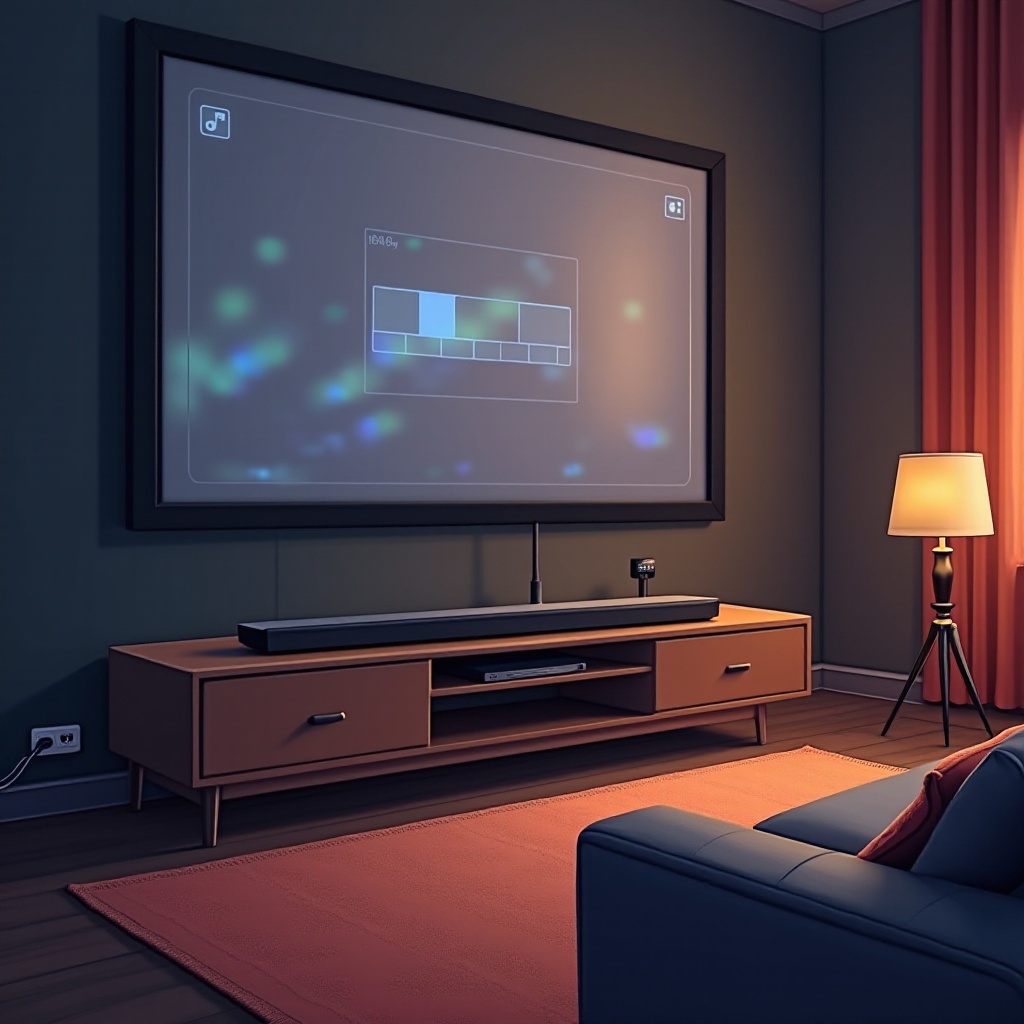
Position the soundbar directly with the screen, above or below, for cohesive audio delivery. Ensure no obstacles impede sound clarity.
Advanced Tips for Home Theater Enthusiasts
Looking to push boundaries? Here are some advanced tips for maximizing your setup.
Integrating Smart Home Devices
Connect your setup with smart devices for voice-controlled convenience, managing volume and settings with ease.
Multi-room Audio Setup
If supported, sync your soundbar for a unified audio experience across multiple rooms, achieving seamless sound and video playback.
Conclusion
Mastering the connection of a soundbar to your projector results in an enriched viewing experience. By following this guide, you can ensure your audio setup complements your visuals, delivering a complete home theater experience, boosting every movie night or gaming session.
Frequently Asked Questions
How can I fix a delay in audio when connected via Bluetooth?
To fix a delay, try shortening the distance between devices. Check for any software updates on your devices which may improve synchronization.
Is it possible to connect multiple soundbars to a single projector?
While challenging, you can use audio splitters or receivers that allow multiple sound devices to connect simultaneously.
What should I do if my projector doesn’t have an HDMI ARC port?
Consider using an HDMI audio extractor, which can separate the audio signal for your soundbar while still transmitting the video to the projector.