Introduction
Tracking your Beats headphones by serial number is crucial for safeguarding your investment. By mastering the process of identifying, tracing, and leveraging this unique identifier, you can secure your headphones, enforce warranty claims, and even thwart theft. This comprehensive guide provides the insights and steps required to efficiently manage Beats headphones using their serial numbers, covering everything from locating the serial code to reaping the benefits of its use.

Understanding Serial Numbers on Beats Headphones
A serial number is a unique identifier assigned to each Beats headphone, akin to a product’s fingerprint. This code helps you confirm product authenticity, aids in theft prevention, and eases warranty claims. Typically, the serial number can be found on parts of the headphones like inside the headband or under the ear padding. Knowing its location and function empowers you to manage and protect your device better, placing critical capabilities in your hands when necessary.
Serial numbers are not just about product identification; they also unlock a suite of tools for ownership and asset security, helping you spot counterfeits and confirm product details promptly.
Benefits of Tracking Beats Headphones by Serial Number
There are several compelling advantages to using serial numbers for tracking your Beats headphones:
- Enhancing Security and Theft Prevention: Possessing a serial number makes it easier to report lost or stolen Beats to local authorities, increasing the chances of recovery.
- Streamlining Warranty Claims and Support: Providing the serial number when contacting Beats support or making warranty claims can expedite service and ensure accurate assistance.
These benefits affirm the importance of familiarizing yourself with your Beats headphones’ serial numbers. It adds a layer of confidence and security to your ownership experience.
How to Locate Your Beats Headphone Serial Number
Locating the serial number of your Beats headphones is simple:
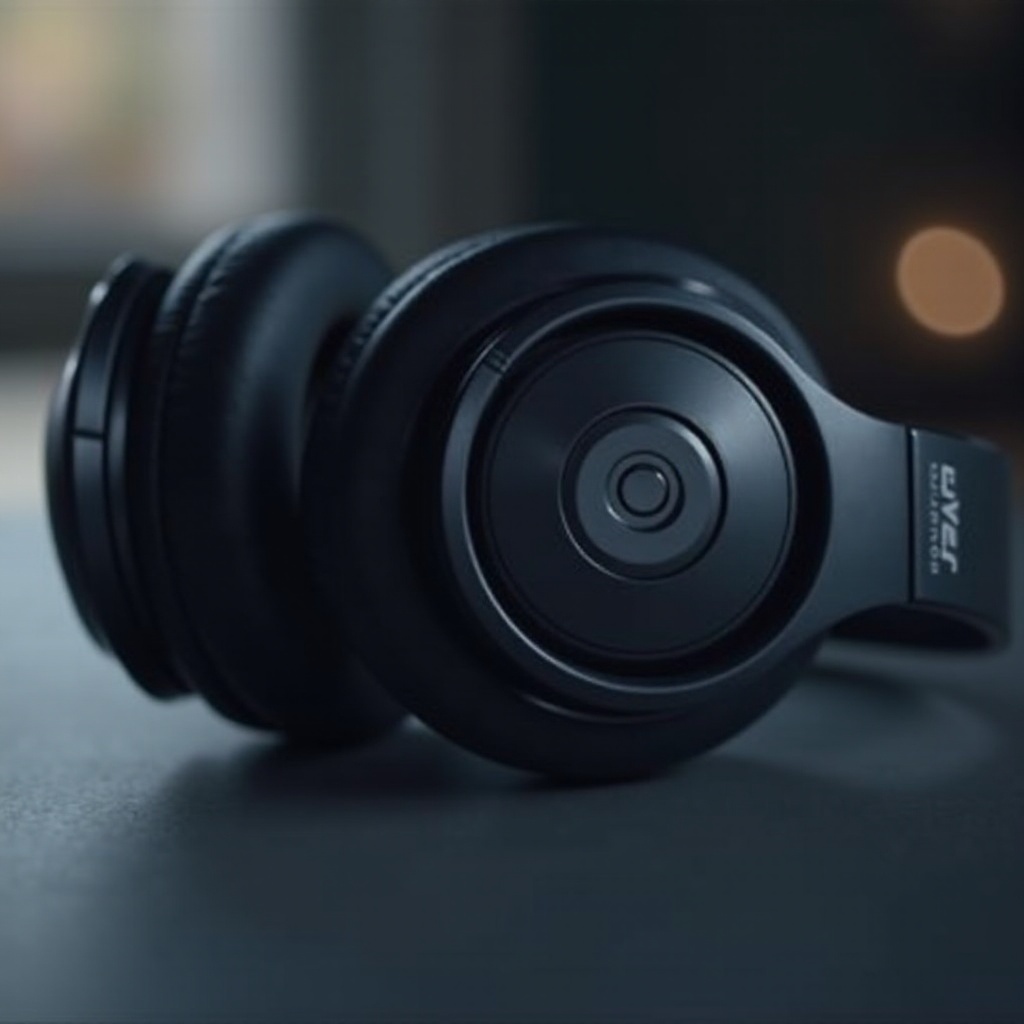
- Inspect the Headphones: Look inside the headband, under the ear pads, or near the charging port for the serial number.
- Check Original Packaging or Purchase Receipt: The serial number may also be found on the box or receipt.
- Use Online Account Registration: If registered online, your Apple account might display the serial number.
Finding the serial number allows you to proceed to the tracking phase, ensuring that you have all data necessary for further action.
Methods to Track Beats by Serial Number
Once the serial number is located, you have several options to track your headphones:
- Using Apple’s Official Support for Beats: Access Apple’s website or app to input the serial number and retrieve product-specific information. This facilitates connection to iCloud, which could aid in finding lost devices.
- Third-Party Tracking Tools and Services: Various applications allow users to register their serial numbers in lost-and-found databases, increasing the likelihood of recovering lost or stolen Beats.
These methods provide a comprehensive toolkit for tracking your Beats efficiently, ensuring their safety and augmenting your control over your device.

Additional Tips for Protecting and Managing Your Beats Headphones
For optimal security and longevity:
- Register Your Beats Product for Added Security: Product registration on Apple’s website makes you eligible for up-to-date support and software patches.
- Practice Best Record Keeping: Keep purchase receipts, registrations, and serial numbers safely. Backup this data electronically for easy access if needed.
Implementing these strategies helps ensure you remain proactive in managing your Beats headphones, protecting them for long-term use.
Real-Life Examples of Successful Tracking
Inspirational stories shine a light on how serial numbers effectively assist Beats users. For instance, one user reclaimed their stolen headphones by reporting the serial number to law enforcement, confirming ownership and aiding recovery. Another incident involved verifying product authenticity using the serial number, preventing a costly counterfeit purchase.
These anecdotes illustrate the practical benefits of leveraging serial numbers, reinforcing their value in ensuring the security and authenticity of your headphones.
Conclusion
Tracking your Beats headphones by serial number equips you with the tools needed for comprehensive ownership and security. This guide emphasizes the importance of understanding, utilizing, and maintaining your Beats serial numbers, ensuring that your headphones are well-protected against theft, loss, and other common pitfalls.
Frequently Asked Questions
How do I find the serial number on my Beats headphones?
Look inside the headband, under the ear pads, or near the charging port. Also, check the original box or purchase receipt for the serial number.
Can I track my Beats if they are lost or stolen?
Yes, you can use the serial number with Apple’s support or third-party services to enhance recovery chances through databases and tracking features.
What should I do if my serial number is not recognized?
Ensure the number is correct. If problems persist, contact Beats or Apple support for verification and further assistance.