
Introduction
Alexa devices are staples in many households, streamlining everyday tasks through automation, answering questions, and controlling smart home devices. An integral part of Alexa’s functionality is its light ring, which provides visual cues for different activities. One such signal is the yellow light. It can leave users wondering about its significance. Interpreting the meaning of this yellow alert is essential to making the most of your device.
The appearance of a yellow light indicates that Alexa is trying to inform you of a waiting notification or message. Knowing this is vital to utilize Alexa effectively. In this article, we will demystify what makes the yellow light appear, how to act when you see it, and how to efficiently manage and troubleshoot notifications.
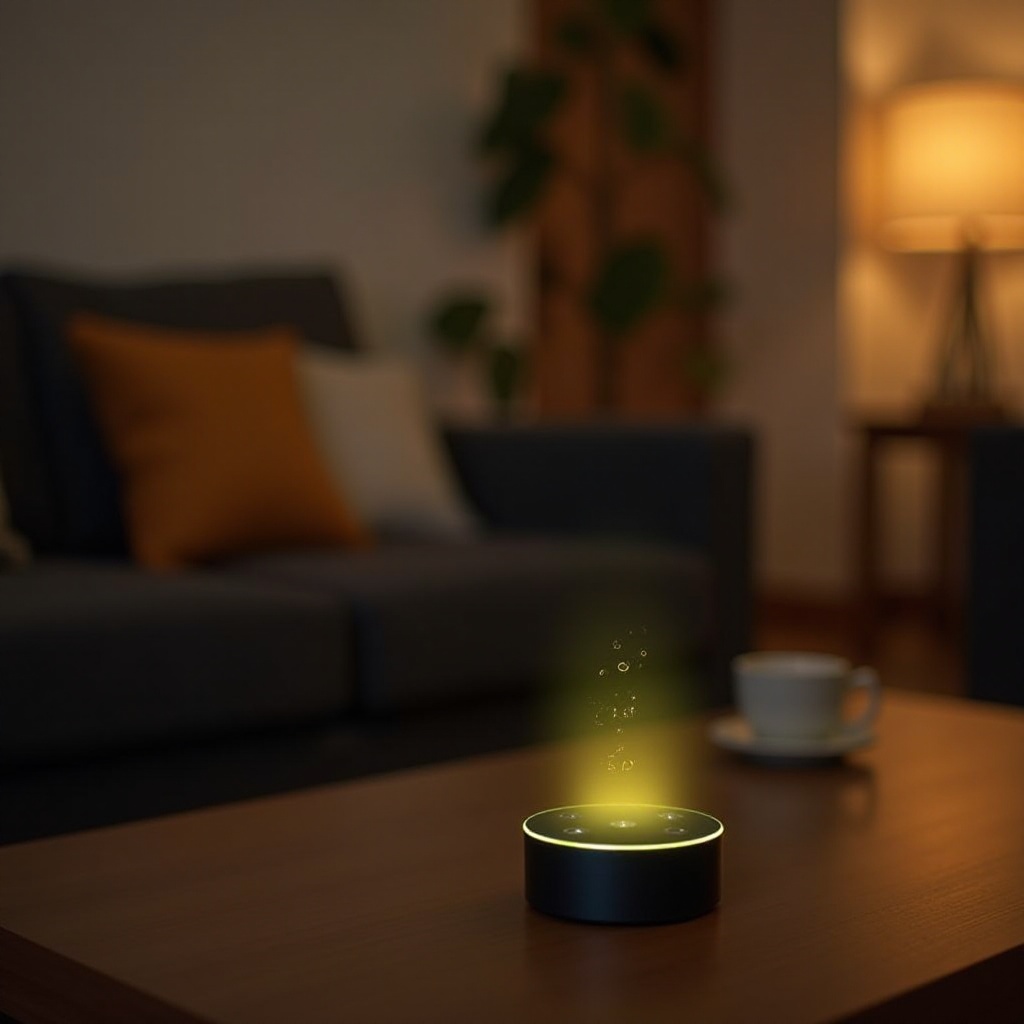
What Is the Significance of Alexa’s Yellow Light?
The light ring on Alexa devices is not just aesthetic; it plays a crucial role in conveying the device’s status. Each color has a specific meaning, and when Alexa’s ring glows yellow, it is signaling a notification or message that awaits your attention. Understanding this prompt can vastly improve your interaction with the device.
A yellow light typically means there is a new message in your inbox, such as a shipping update, a reminder, or another type of alert. These notifications can be convenient, offering timely information on various matters. Recognizing what the yellow light signifies is a step toward managing your digital environment more effectively.
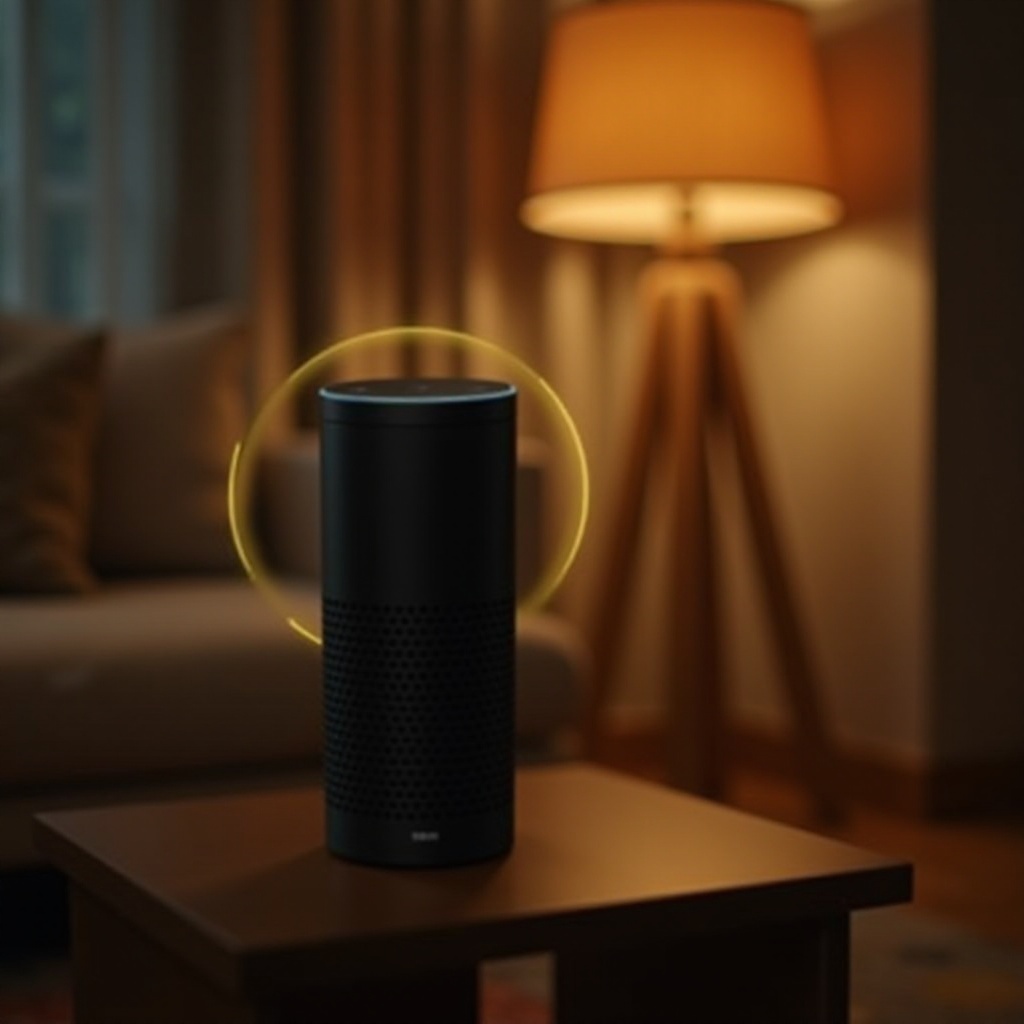
How to Respond to a Yellow Light Notification
Having understood the meaning of the yellow light, the next step is learning how to respond to it. Here are ways you can address notifications with ease:
- Ask Alexa: Simply say, ‘Alexa, what are my notifications?’ or ‘Alexa, what is my message?’ Alexa will then read out any unread notifications or messages.
- Use the Alexa App: Open the Alexa app on your smartphone. Click on the communication icon to view pending notifications and messages.
Prompt response to the yellow light ensures you remain updated with all necessary information and messages from Alexa. By doing so, you maintain seamless interaction with your smart device.
Troubleshooting Yellow Light Issues
Even after checking all notifications through the app or via voice command, you might still encounter a persistent yellow light. Here’s how to troubleshoot such issues:
- Clear Notifications: Ensure that you’ve cleared all notifications in the app. Unaddressed messages can result in a lingering yellow light.
- Check for Updates: The yellow light could persist due to pending software updates. Ensure your Alexa device and app are current.
- Reboot Your Device: Unplug your Alexa device from the power source, wait a few moments, then plug it back in. This reset can resolve temporary notification disruptions.
These steps will help you manage any unwanted persistence of the yellow signal, facilitating a smoother experience with your device.
Customizing Alexa’s Notification Settings
Personalizing your notification settings is key to a tailored Alexa experience. Here’s how you can adjust these settings:
- Notification Preferences: Go to Settings > Notifications in the Alexa app. Toggle notifications on or off for specific skills or linked accounts based on relevance and importance.
- Disable Unnecessary Alerts: Deactivate notifications related to services you seldom use to reduce distractions.
- Do Not Disturb: Activate the Do Not Disturb feature during specific hours to prevent unwanted notifications.
By customizing your notifications, you control what alerts deserve your attention, ensuring that your interactions with Alexa are optimized for your needs.
Advanced Tips for Managing Alexa Notifications
For those who want to enhance their Alexa interactions, here are some advanced strategies:
- Smart Device Integration: Employ Alexa routines to synchronize notifications with other smart home devices. For example, receive a notice if your security camera detects motion.
- Voice Command Mastery: Familiarize yourself with a broader range of Alexa commands to manage notifications verbally and hands-free.
- Utilize Third-Party Skills: Explore third-party skills that offer enhanced notification management, like syncing with your calendar for reminders or creating custom alerts.
With these advanced tips, users can fine-tune their Alexa experience to better suit their lifestyle.
Conclusion
Decoding and managing Alexa’s yellow light is critical to making the most of this smart assistant. By understanding and promptly responding to these alerts, customizing your settings, and utilizing advanced management techniques, you create a seamless integration with your daily routine. Alexa is designed to simplify your life, and mastering the signal system plays a key role in leveraging its full capabilities.
We trust that this guide has clarified the meaning behind the yellow light and provided practical steps for managing it effectively. Continue exploring options to modify and enhance your Alexa experience as new features and updates become available.
Frequently Asked Questions
Why does my Alexa flash yellow when I haven’t received any messages?
Sometimes, Alexa might blink yellow due to backlogged notifications from services or apps. Always ensure you clear all notifications in the app.
Can I turn off the yellow notifications on Alexa?
Yes, you can disable notifications for specific skills using the Alexa app by navigating to Settings > Notifications and customizing your preferences.
What other colors does Alexa’s light ring display, and what do they mean?
Alexa’s light ring displays multiple colors: blue for listening, red for mute, green for calls, and more. Each color corresponds to specific functions or alerts.