
Introduction
For many ebook enthusiasts, converting a Kindle book to a PDF can provide greater flexibility and accessibility. Readers often seek to transform their Kindle collections for ease of sharing and use across different platforms. This guide delves into the intricacies of Kindle conversions, addressing both the benefits and the legalities involved.
Understanding the process requires clarity on Kindle book formats and the technical barriers they present. The transition from Kindle files to PDFs is not just a technical task but also a legal one that respects the rights of authors and publishers. We will explore the tools that facilitate this conversion, provide a detailed walkthrough, and suggest alternatives for those hesitant about the conversion process.
Understanding Kindle Book Formats
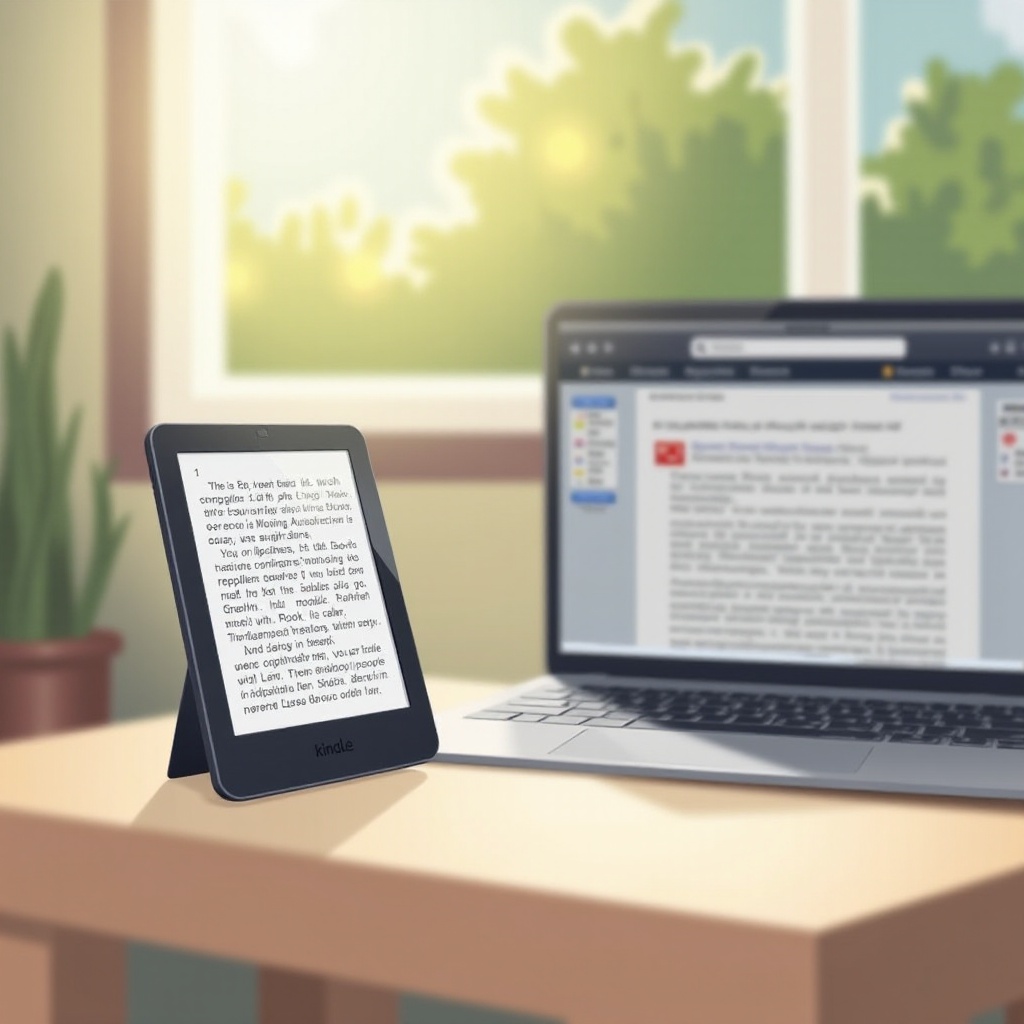
Kindle files, often found in formats like AZW, MOBI, and KF8, are specifically optimized for the Kindle devices and apps. These formats provide features tailored for an enhanced reading experience, such as adjustable text sizes and extensive note-taking capabilities. However, they are not natively compatible with PDF viewers or portable document sharing.
Converting these files into PDFs standardizes the reading experience, providing a uniform layout across all devices. Understanding these differences is essential before you begin converting, setting a firm foundation for the steps ahead.

Legal Considerations and DRM Issues
While the technical ability to convert is accessible, it is crucial to navigate the legal landscape of ebook conversion. Kindle books often employ Digital Rights Management (DRM) to protect intellectual property and restrict unauthorized distribution.
Legal conversion typically applies to books that you personally own and intend to use for private, non-commercial use. This guide promotes ethical practices, encouraging readers to respect licensing agreements while providing insights into the regulatory framework you must consider when converting DRM-protected content.
Best Tools to Convert Kindle Books to PDF
Numerous tools exist to facilitate Kindle to PDF conversion for personal use. Each tool comes with unique advantages suited to different user preferences.
-
Calibre: This versatile, open-source software supports diverse formats beyond just conversion. It offers customizable options and an extensive feature set, making it a top choice for many.
-
Any eBook Converter: A user-friendly interface characterizes this tool, renowned for retaining original book quality during conversion. It simplifies the conversion process for those less technically inclined.
-
Epubor Ultimate: Known for efficient conversion speeds and ease-of-use, Epubor Ultimate includes DRM removal capabilities for books you have purchased, honoring legal constraints.
Choosing the right tool involves evaluating personal needs and respecting legal boundaries, ensuring you convert legally permitted content.
Step-by-Step Guide to Converting Kindle to PDF
Below is a structured approach using Calibre to guide you through the Kindle to PDF conversion process.
- Install Calibre: Begin by downloading and installing from Calibre’s official website.
- Add Kindle Book: Launch Calibre and select ‘Add books’ to load your desired Kindle file.
- Select Convert Books: Highlight your book and click ‘Convert books’, then choose PDF as the destination format.
- Adjust Settings: Customize basic preferences such as font size or margins as needed.
- Initiate Conversion: Hit ‘OK’, and Calibre will handle the conversion. Post-conversion, locate your PDF in the specified output directory.
This walkthrough simplifies what appears complex, ensuring a smooth transition from Kindle formats to universally compatible PDFs.

Alternatives to PDF Conversion
If converting to PDF seems unappealing or presents technical challenges, consider these alternatives:
-
Kindle Cloud Reader: This platform allows you to read books directly in your web browser, offering mobility without needing specific software or devices.
-
Amazon’s Kindle App: Available for various operating systems, the app delivers a convenient reading experience across smartphones and tablets, bypassing the necessity for conversion.
These solutions provide flexibility, respecting Amazon’s distribution model and offering similar benefits without converting Kindle files.
Conclusion
The decision to convert Kindle books to PDFs involves balancing convenience with legal responsibilities. By understanding available tools, legal contexts, and alternative solutions, readers gain the confidence to manage their ebook collections responsibly. This guide ensures you’re equipped to make informed choices, maintaining the integrity of content ownership and author rights while exploring the wider accessibility that PDFs offer.
Frequently Asked Questions
Is it legal to convert Kindle books to PDF?
The legality hinges on DRM restrictions. You may convert books you own for personal use, but distributing or sharing converted files breaches terms of service.
What are the risks of converting Kindle books?
Risks involve potential legal issues if DRM-protected books are converted improperly and possible quality loss. Always ensure DRM conditions are met before conversion.
Are there free tools available for conversion?
Yes, Calibre stands out as a free and versatile tool for converting Kindle books, though DRM restrictions should be verified prior to use.