Introduction
Discovering that your Vizio TV refuses to turn on, and worse yet, shows no indicator light can be frustrating. Whether it’s a movie night or a gaming session, this problem can be a major inconvenience. This comprehensive guide aims to walk you through multiple troubleshooting steps that can lead to successfully reviving your TV. We will cover everything from basic power supply inspections to advanced diagnostics, empowering you to tackle the issue effectively.
Understanding the Problem
When confronted with a Vizio TV that doesn’t turn on and exhibits no light, it’s imperative to identify whether the fault lies with the television, power supply, or external devices. Pinpointing the root cause can significantly streamline your repair journey, saving you time and potential repair costs. Filter through potential external and internal problems to apply targeted solutions. To start, initiate with some basic checks that may point you toward the problem.
Initial Checks and Solutions
Start your troubleshooting process with these essential checks:
- Ensure the TV is Properly Plugged In: Confirm that the power cord is securely attached to both the TV and the power outlet.
- Try a Different Outlet: A faulty wall outlet could be the culprit; try plugging the TV into another outlet to rule this out.
- Check for Power Strip or Surge Protector Issues: If using these, verify they are on and functioning correctly.
These preliminary steps often rectify the issue quickly. However, if your TV remains unresponsive, it’s crucial to delve deeper into the power sources.
Inspecting Power Sources
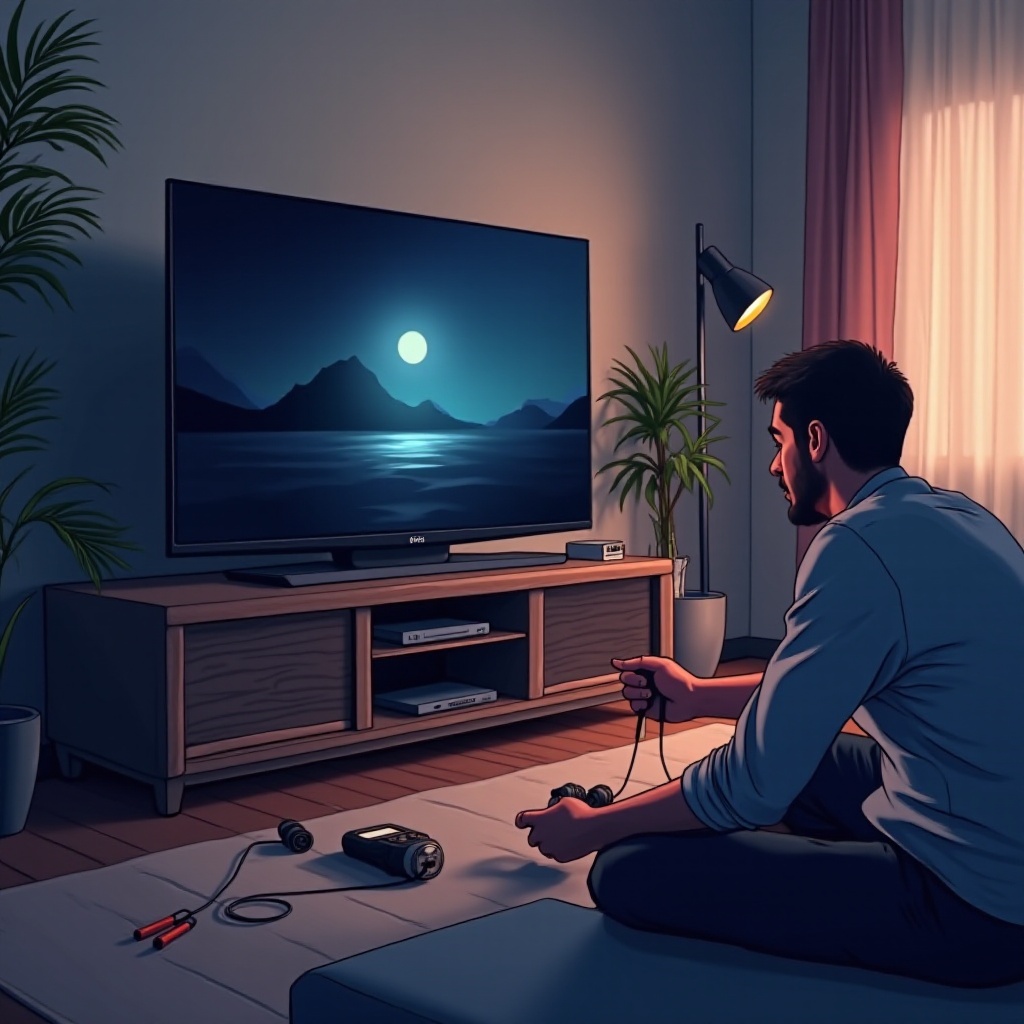
A thorough assessment of all power sources is vital to confirm that your TV is receiving power correctly.
Checking Wall Outlets and Surge Protectors
- Validate the functionality of the wall outlet by plugging in a different device.
- Confirm that any surge protectors or power strips being used are active and operating properly.
Ensuring Power Cord Integrity
- Run your fingers along the power cord to identify any wear or visible damage.
- Replacement of a damaged cord can provide a simple fix.
If power sources aren’t the problem, consider resetting your TV to manage temporary malfunctions.
Resetting the TV
Performing a Soft Reset
- Disconnect the TV from the power outlet.
- Wait approximately 30 seconds before reconnecting it.
- Attempt to power the TV again.
Hard Reset Procedure
- Hold the power button for 10 seconds.
- Release, and then press the power button once more.
Soft and hard resets can often remedy minor software glitches. If failures continue, you might need to examine the remote control as the next step.
Remote Control Troubleshooting
A malfunctioning remote might be the reason your TV won’t power on.
Checking Remote Batteries
- Replace the remote’s batteries with fresh ones, ensuring correct placement.
- Test to see if the TV responds.
Testing the Remote Control Signal
- Use a smartphone camera to test the infrared signal by aiming the remote and pressing a button; a flash on the screen confirms it’s working.
If your TV still won’t turn on, potential firmware or software concerns might need addressing.
Firmware and Software Update
Firmware hiccups can sometimes prevent your TV from starting up. Check Vizio’s website for the latest updates:
- Download the latest firmware onto a USB drive.
- Update the TV following Vizio’s guide, ensuring power supply stability.
Post software updates, if the TV remains dormant, consider evaluating external devices.
Analyzing External Devices
External gadgets can occasionally restrict your TV’s operations. Disconnect all peripherals like streaming devices or gaming consoles. Attempt to power the TV back on with these gadgets disconnected. If it functions post-disconnection, the offending device is likely pinpointed.
Advanced Troubleshooting
If the issue persists after completing earlier checks, it may be time to venture into more intricate examinations.
Checking Internal Components
- Carefully remove the TV’s back cover and look for any conspicuous damage, such as damaged capacitors.
- Identifiable bulges or leaks in capacitors usually indicate replacement needs.
Using a Multimeter
- Employ a multimeter to confirm the internal power board is receiving correct voltage.
- Adhere to safe voltage-testing procedures when using a multimeter.
Should you feel uncertain about examining internal components, seeking professional help is the next logical step.
When to Seek Professional Help
If your Vizio TV remains unresponsive after all these measures, professional intervention might be necessary. Trained technicians possess the requisite knowledge and tools to provide a comprehensive evaluation and repair, potentially sparing your TV from enduring damage.
Conclusion
By following these methodical checks and troubleshooting steps, addressing a Vizio TV that won’t turn on without an indicator light becomes less daunting. From basic power checks to advanced investigation, these practical solutions aim to guide you towards restoring your TV’s functionality.
Frequently Asked Questions
Why won’t my Vizio TV turn on but the power light is off?
This might be due to power supply issues, faulty remote, or internal electronic failures.
Can a power surge affect my Vizio TV turning on?
Yes, a power surge can damage internal components, which may prevent the TV from turning on.
How do I contact Vizio support for a non-responsive TV?
Visit Vizio’s website or call their customer service for support on TV repairs or warranty claims.