Introduction
The PlayStation 5’s controller has revolutionized gaming with its advanced features and immersive design. One such feature is the built-in speaker that adds an extra dimension to your gameplay. Yet, there are times when you might want a quieter environment or prefer all sound to come through your headset or larger speakers. Whether for focus, privacy, or sound clarity, turning off the PS5 controller speaker can offer significant advantages. In this guide, we’ll show you how to switch off this feature and adjust your audio setup to suit your preferences.
Why Turn Off the PS5 Controller Speaker?
Many gamers find that the controller speaker can be more distracting than helpful. It plays game-related audio cues, which can be intrusive during intense gaming sessions where concentration is key. Moreover, turning off the speaker helps in extending the battery life of your controller by reducing unnecessary power consumption. Another compelling reason is the flexibility it provides in creating a personalized audio experience. By directing audio away from the controller, you can enjoy a richer sound environment through other devices. With these benefits in mind, it’s clear why some players choose to disable this feature.
Steps to Turn Off the Speaker on Your PS5 Controller
Deactivating the PS5 controller speaker is a straightforward process. Here’s how you can do it:
-
Ensure your PS5 controller is properly connected and turned on. Press the PS button to activate it.
-
From the main menu, navigate to the ‘Settings’ icon located in the top right corner of the screen. Select ‘Sound’ from the list.
-
Once in the Sound menu, choose ‘Audio Output.’ You’ll find an option for the ‘Controller Speaker.
-
Toggle the ‘Controller Speaker’ setting to off. This action will redirect all audio outputs to other chosen devices, ensuring the controller speaker remains silent.
After completing these steps, take a moment to verify if the settings are effective. You should notice an undisturbed audio output from your preferred devices.
Troubleshooting Common Issues
Sometimes, technology may not respond as expected. If you encounter problems disabling the speaker, here are some troubleshooting steps:
-
If the speaker is still active, revisit the settings and check if everything was configured correctly. Re-toggle the settings if necessary.
-
Make sure your PS5 system software is up to date, as updates can fix existing issues.
-
To reset, go back to ‘Sound,’ select ‘Restore Default Settings,’ and reapply the changes.
By following these solutions, most users resolve initial issues quickly. This process confirms that everything is functioning as intended.
Alternative Audio Solutions for PS5
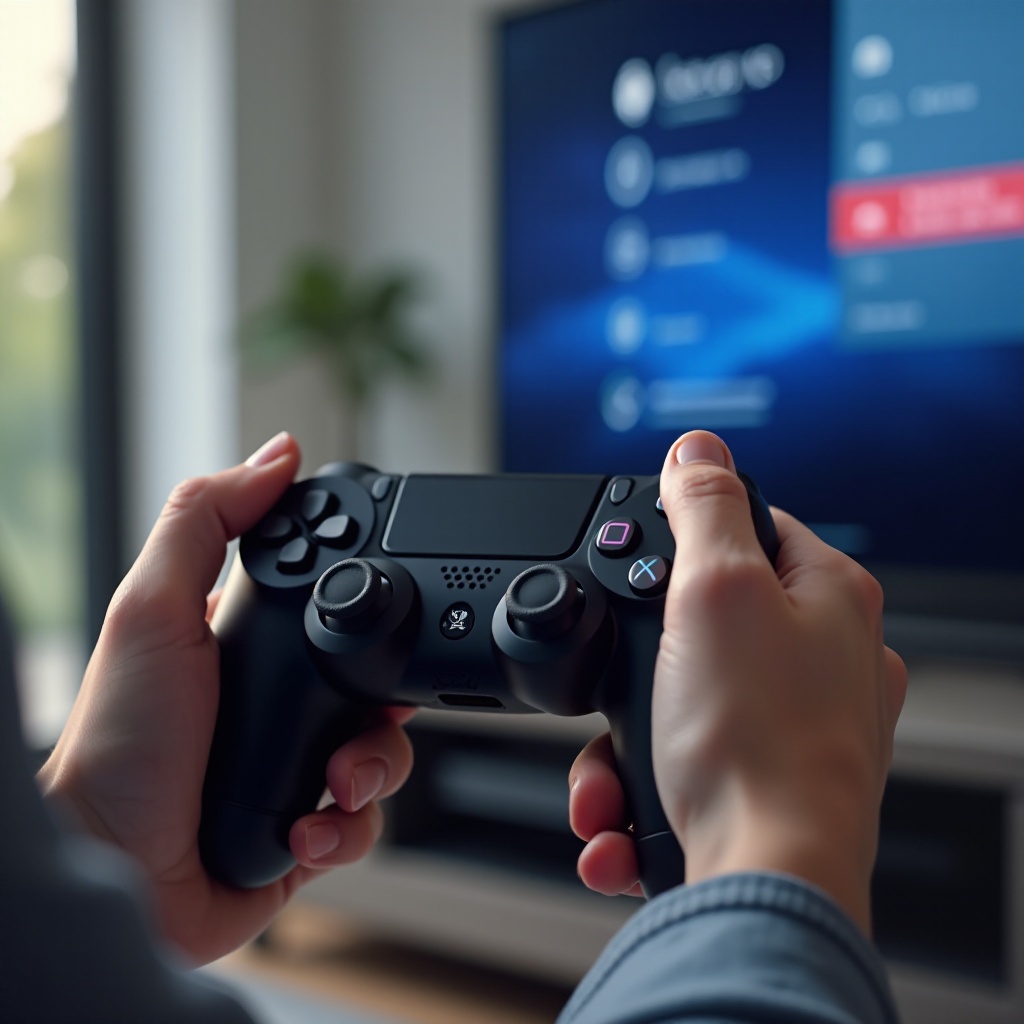
Besides simply turning off the controller speaker, consider enhancing your audio setup. Here are some alternatives:
-
Headphones: Use high-quality wired or wireless headphones to focus on game sounds directly.
-
External Speakers: Connect your PS5 to external speaker systems for superior sound delivery.
Explore the menu further to adjust audio levels and customize output settings. Choose configurations that suit your gaming habits and preferences.
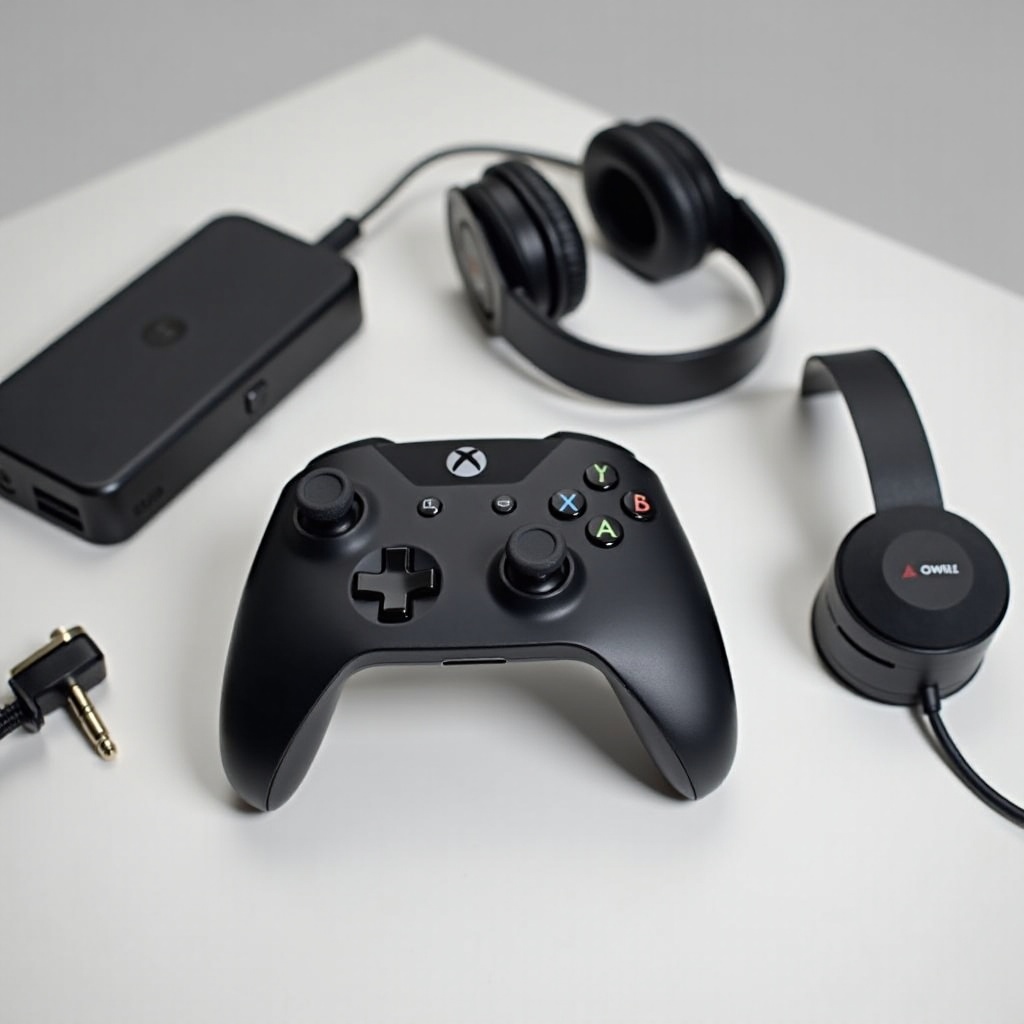
Enhancing Your Overall Gaming Audio Experience
A well-set audio system is crucial for an immersive gaming experience. Consider these tips:
-
Invest in premium headphones or soundbars. These enhance sound quality and help differentiate audio cues in diverse gaming scenarios.
-
Place speakers strategically to envelop yourself in sound, augmenting the gaming ambiance.
-
Regular PS5 software updates bring improved features, so keep your system updated.
By incorporating these strategies, you’ll elevate your gameplay, merging visuals with harmonious soundscapes.
Conclusion
Customizing your PS5 audio settings, including turning off the controller speaker, can remarkably alter your gaming sessions. This guide provides the tools to tailor the sound environment to your liking. Dive into each game, confident that your audio-visual setup enhances every moment spent gaming.
Frequently Asked Questions
Can I turn off the speaker mid-game?
Yes, use the PS button to access the quick menu and adjust sound settings during gameplay.
Does turning off the speaker affect gameplay?
Gameplay remains unaffected, but audio cues specifically from the controller speaker will be muted.
How do I reset audio settings if something goes wrong?
Navigate to ‘Sound’ settings and choose ‘Restore Default Settings’ to revert configurations.